
Start with a number. Make the conversation yours.
Account and contacts
Install the web app or open it in a desktop browser. Create an account and save your generated nine-digit contact number together with your password. Sign in with that number and password.
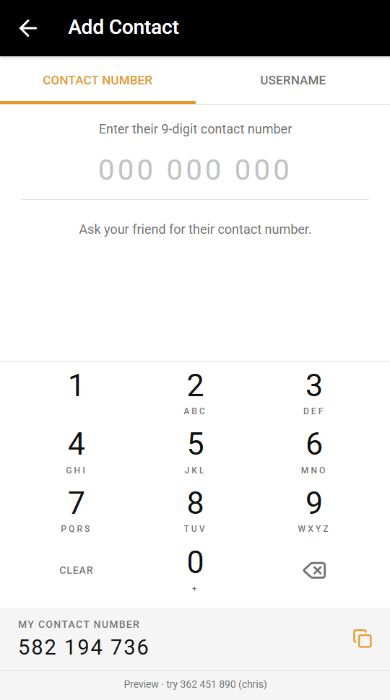
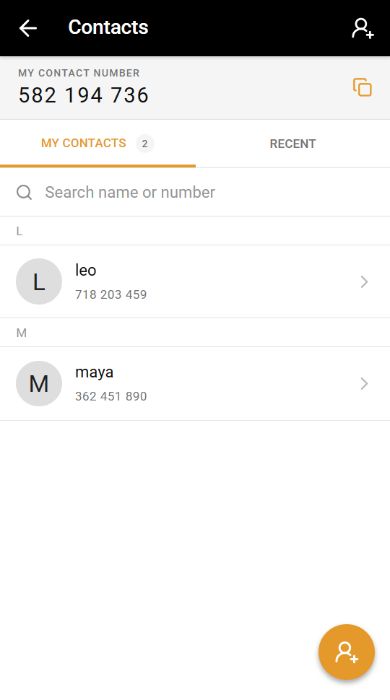
Share your number, contact link or QR code with a friend. To add them, open Contacts, choose Add Contact and enter their number. It is an app identifier, separate from a telephone number.
Preparing a conversation
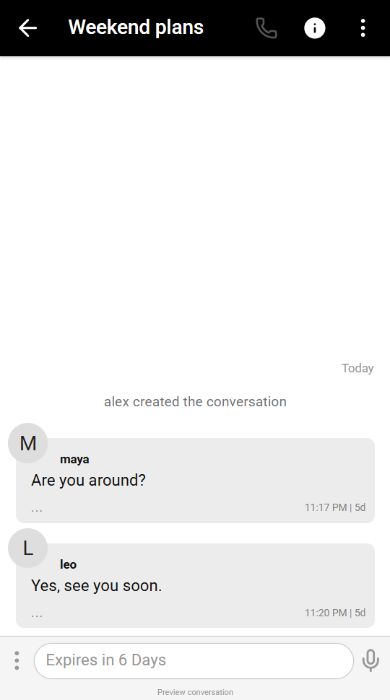
Open the conversation on both devices. Sending becomes available once both participants have prepared their device keys. The ready status reads Encrypted conversation.
A request to review a device means its identity changed. Compare the new fingerprint through another trusted channel before accepting it.
Changing browsers
Open Settings, then This Device, in the new browser. Enter your account password and choose Move to this device.
This replaces the active browser. History is not transferred. Unread messages encrypted for the previous device may need to be sent again.
Keeping local history
The active browser keeps encrypted history and message state. Private browsing, browser cleanup, deleting site data or removing the app can remove them.
The account password does not unlock a server backup of local history. Reopening the app restores a valid saved sign-in. Require Authentication instead asks for your password on return. Signing out removes saved sign-in and in-memory access; encrypted message data remains on this browser.
Common questions
Why is a message queued?
The encrypted envelope was saved locally while the network response was uncertain. Keep this browser and reconnect. Expired messages and messages from a shredded conversation are dropped.
Can I use two browsers at once?
One browser is active for encrypted delivery per account. Moving replaces the previous device without merging local histories.
Can I recover history after losing the device?
The service does not hold an archive of your local history keys. Losing browser storage can make that history unrecoverable.
Does burn-on-read prevent screenshots?
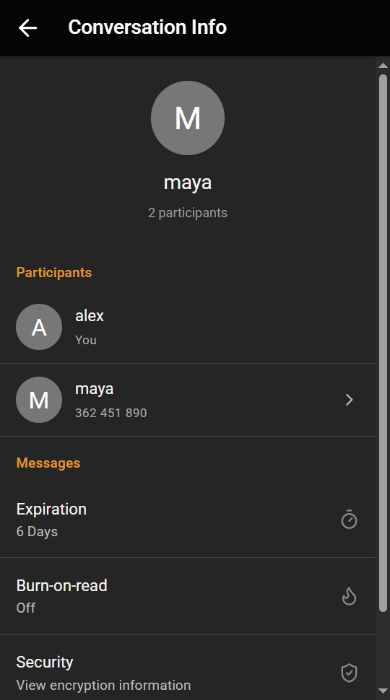
No. It removes app-visible content according to the timer. A recipient can still keep another copy.
Contacts and conversation controls