Message encryption
cwsecure uses the Olm double ratchet in Rust and WebAssembly. Signed one-time prekeys start sessions. Message keys advance as messages pass in both directions.
Possession of a long-term identity key alone should not reveal previously recorded traffic after message keys have been discarded. A trustworthy device and correct state handling are necessary for that protection.
Local history
The browser encrypts retained history with a separate local storage key. A compromised running browser can read the history it has unlocked.
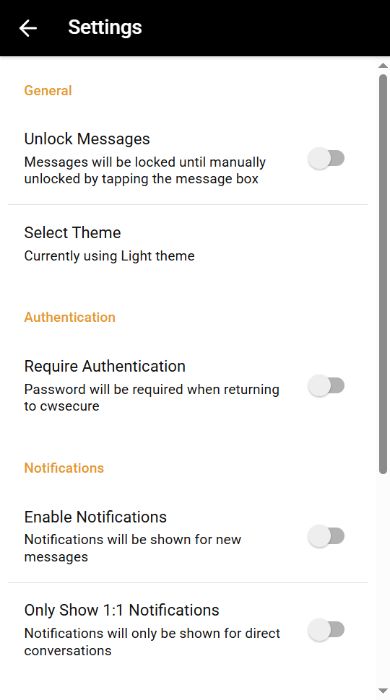
When Require Authentication is off, this browser remembers sign-in using an encrypted identity and a non-extractable local storage key. The server session must still be valid. Turning Require Authentication on removes automatic unlock material and requires your password on return.
The service queues encrypted envelopes for delivery. It does not keep a password-decryptable backup of your local history. Losing site data can make that history unrecoverable.
Device verification
Compare a contact's fingerprint through another trusted channel. First-use trust does not prove who controls an account. A changed device needs review before sending.
One browser is active per account. Moving devices replaces the active browser without transferring its history. Unread messages addressed to an old device may need to be sent again.
Encryption demo
Two temporary devices in this tab encrypt a message, decrypt it and exchange a reply. Repeating the exchange advances the same ratchet. This uses the actual engine without signing in or contacting the relay.
Limitations
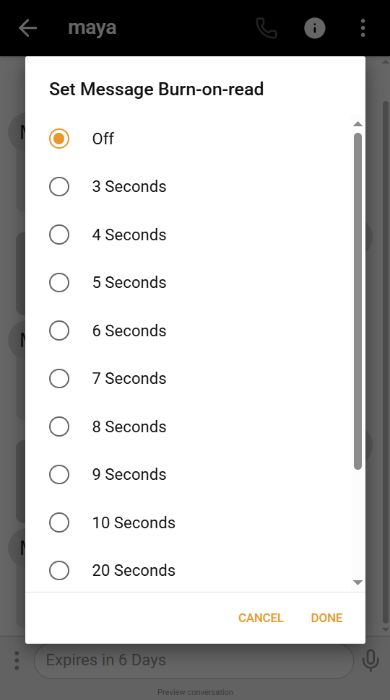
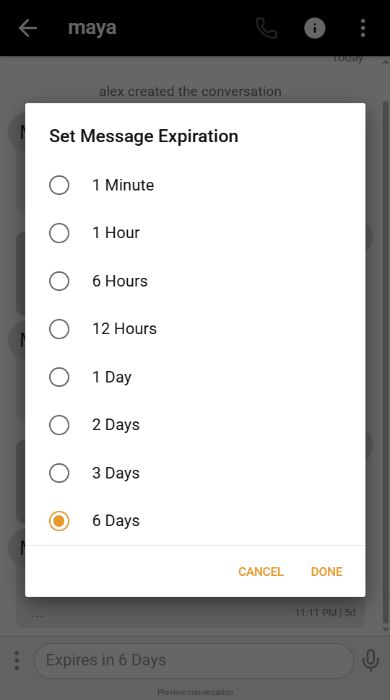
Malware, a compromised browser or website update, backups and recipient copies can defeat the intended protections. Timers remove app-visible content and cannot guarantee forensic erasure.
The relay sees account IDs, membership, routing, public device keys, message sizes, delivery times and timer/read metadata. It does not receive private ratchet state or the local history key.
The protocol is not post-quantum or Signal wire-compatible. Read the protocol details.

Keep the context in mind.
Encryption protects message content in transit. The browser, local storage and the person receiving a message remain part of the picture.
Security controls in the app